 EN
EN
 English
 русский
 Español
RS-485 Communication Cable: Selection, Wiring, and Troubleshooting
 2026.01.19
 Industry News
Content
- 1 What “good” RS-485 communication cable looks like
- 2 Topology and length: how far RS-485 can realistically go
- 3 Termination and biasing: the two settings that prevent most failures
- 4 Shielding and grounding: reduce noise without creating ground loops
- 5 Cable selection table: what to buy for different environments
- 6 Installation details that materially improve reliability
- 7 Troubleshooting checklist: isolate the fault in minutes
- 8 Practical conclusion
Use a 120 Ω, twisted-pair RS-485 communication cable and terminate only the two ends of the main trunk with 120 Ω. Keep the network as a daisy-chain (not a star), keep stubs short, and apply biasing at one point to prevent idle-line noise. These choices eliminate the most common causes of RS-485 faults: reflections, noise pickup, and unstable logic levels.
What “good” RS-485 communication cable looks like
A reliable RS-485 link starts with cable parameters that match the physics of differential signaling. In practical terms, that means controlling impedance, capacitance, and noise coupling.
Minimum cable specs to target
- Characteristic impedance: 120 Ω (nominal) to match standard RS-485 termination.
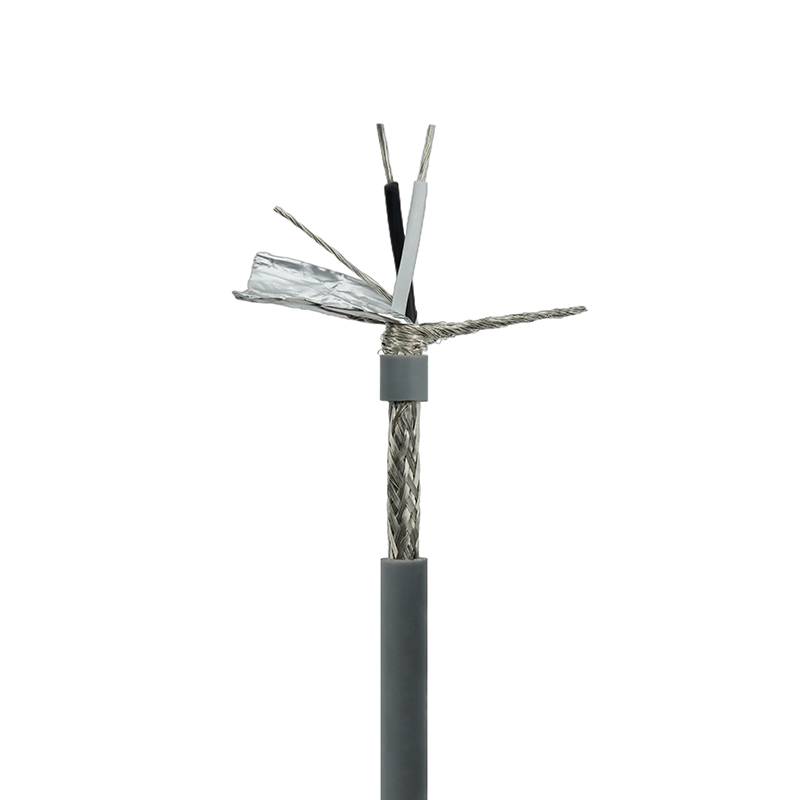
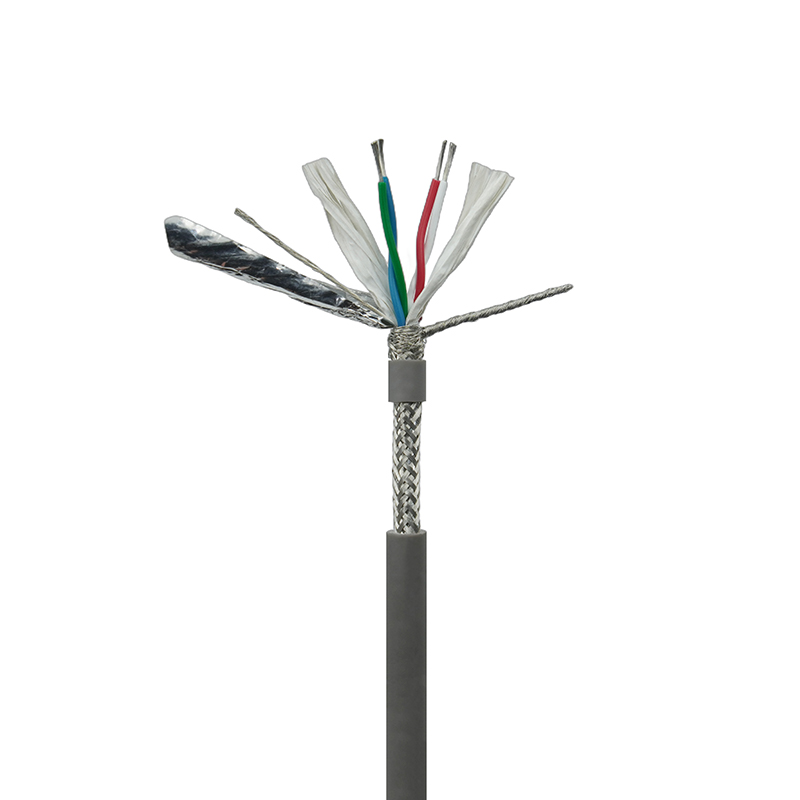
- Construction: twisted pair (tight, consistent twist) for common-mode noise rejection.
- Capacitance (rule of thumb): lower is better; ≤50 pF/m is a solid target for longer runs and higher baud rates.
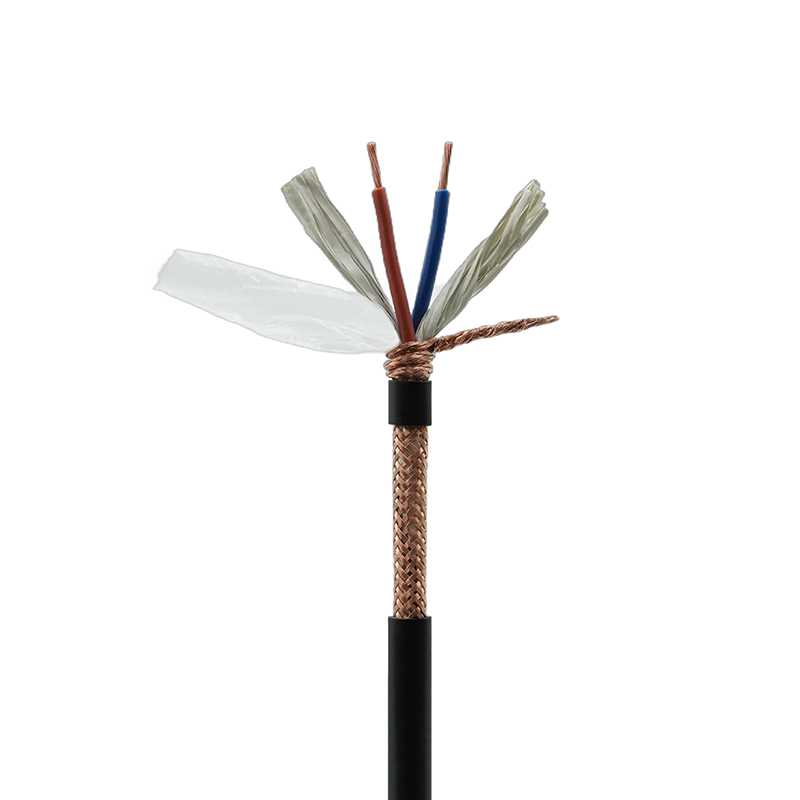
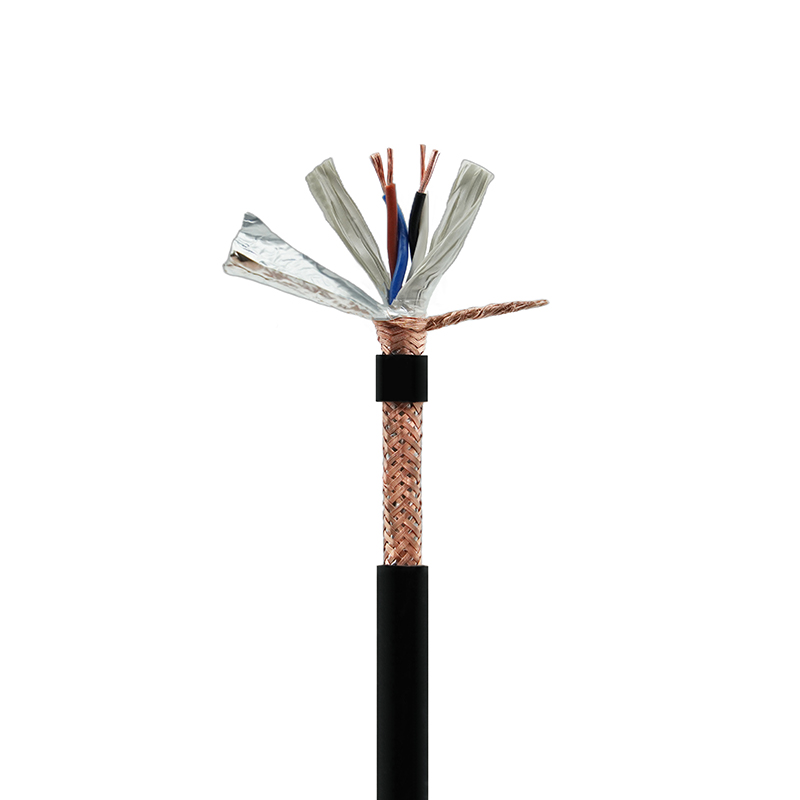
- Shielding: use a foil/braid shield when runs are near VFDs, contactors, welders, or long parallel power cabling.
- Conductor size: 22–24 AWG is common; choose thicker if you need better mechanical robustness or lower DC resistance over distance.
When CAT5e works—and when it does not
CAT5e/6 is typically 100 Ω, not 120 Ω. It can still work well in many RS-485 installations (especially moderate distances and baud rates), but it increases the odds of reflections if you are operating near the edge (long trunks, high baud, many nodes, or poorly controlled stubs). For mission-critical or electrically noisy environments, a purpose-built 120 Ω RS-485 communication cable is the safer choice.
Topology and length: how far RS-485 can realistically go
Distance is governed by signal rise time, cable capacitance, and reflections. The most dependable approach is to treat RS-485 as a transmission line and keep the layout simple.
Best-practice topology
- Use a single trunk (daisy-chain) with devices tapped off in-line.
- Avoid star wiring; it creates multiple reflection points that termination cannot fully control.
- Keep each stub short: <0.3 m (about 1 ft) is a widely used conservative target; shorter is better at higher baud rates.
Practical distance vs. baud examples
Exact limits depend on cable and transceivers, but these examples reflect common field results with good 120 Ω twisted-pair cable and correct termination:
- 9.6–19.2 kbps: 800–1200 m is often achievable on clean routes.
- 115.2 kbps: 200–400 m is a common reliable window in industrial settings.
- 500 kbps–1 Mbps: typically tens to ~150 m unless the installation is very well controlled (short stubs, low capacitance, clean EMC).
Termination and biasing: the two settings that prevent most failures
If your RS-485 network is unstable, start here. Incorrect termination or missing/duplicated biasing is responsible for a large share of intermittent issues.
Correct termination (120 Ω at the ends only)
- Identify the two physical ends of the main trunk (not device count, not “first in the panel”).
- Place a 120 Ω resistor across A/B (or D+/D−) at each end.
- Do not terminate intermediate nodes; extra terminators overload drivers and shrink noise margin.
Biasing (failsafe) so the line has a defined idle state
When no driver is actively asserting the bus, the pair can float and pick up noise. Biasing sets a known idle level. Use one bias point in the system (often at the master/controller) unless your hardware explicitly supports multi-point failsafe without contention.
- Common field values: 680 Ω to 1 kΩ pull-up/pull-down (exact values depend on transceiver, supply voltage, and node count).
- Symptom of missing bias: random bytes, CRC errors, or “ghost” frames when the bus is idle.
Shielding and grounding: reduce noise without creating ground loops
The shield is for noise control, not for carrying signal current. The most common mistake is bonding the shield at multiple points in a way that drives circulating currents (especially with VFD noise).
Practical bonding rules
- Bond the cable shield to chassis/earth at one end for typical installations; prefer the controller/panel end.
- If EMC is severe, use a 360° shield clamp at the panel entry and follow your site’s EMC standard.
- Maintain separation from power: avoid long parallel runs with motor leads; cross power cables at 90° when necessary.
Reference/0 V conductor: when to include it
Even though RS-485 is differential, transceivers have a limited common-mode range. For buildings with multiple power domains, long runs, or unknown bonding quality, consider a cable with an additional reference conductor (often called COM or 0 V) to keep nodes within common-mode limits.
Cable selection table: what to buy for different environments
| Cable type | Nominal impedance | Noise environment | Best use case |
|---|---|---|---|
| Purpose-built RS-485 (twisted pair, shielded) | 120 Ω | Medium to high | Industrial runs, long trunks, high reliability |
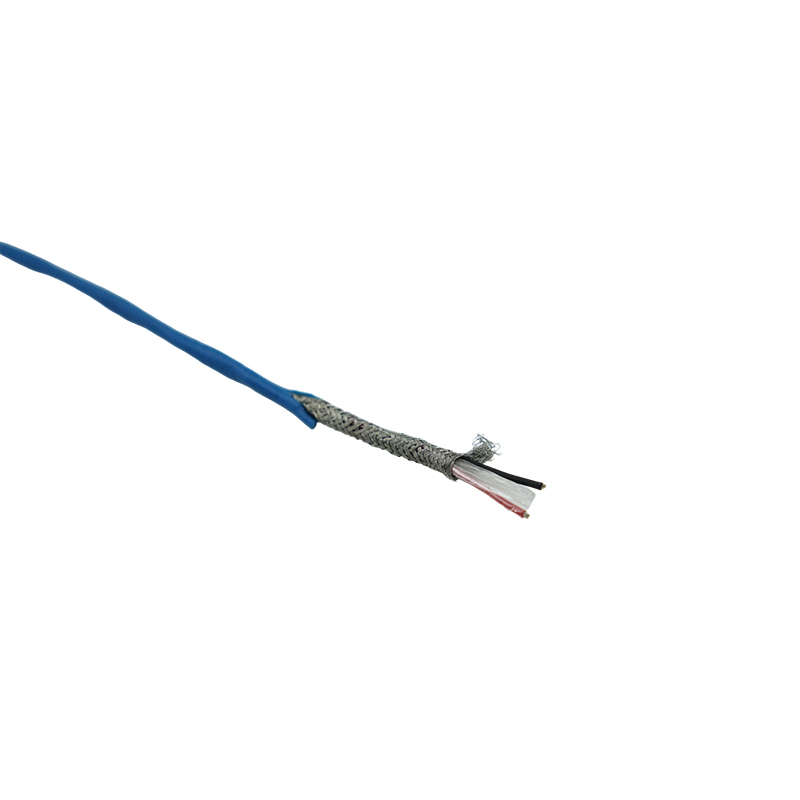
| Instrumentation pair (twisted, shielded) | Often 100–120 Ω | Medium | Panels and field devices where flexibility matters |
| CAT5e/6 twisted pair | 100 Ω | Low to medium | Short to moderate runs, clean routing, cost-sensitive installs |
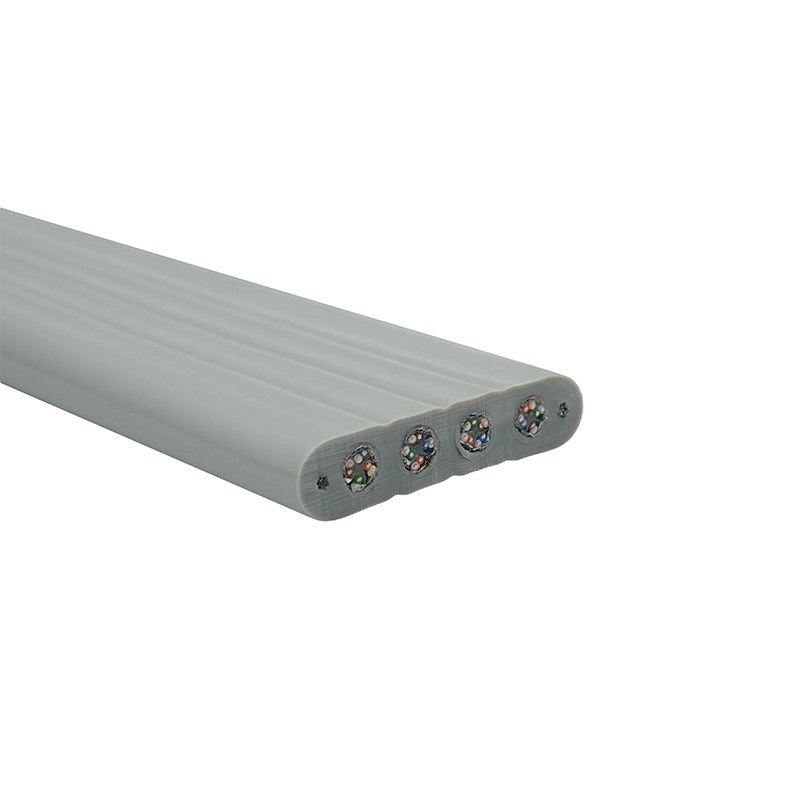
| Untwisted pair / ribbon cable | Uncontrolled | Any | Avoid for RS-485 trunks; acceptable only for very short internal wiring |
If you are operating close to the edge (long distances, high baud, heavy EMI), prioritize a 120 Ω shielded twisted pair designed for RS-485 communication cable use.
Installation details that materially improve reliability
Small workmanship choices often decide whether an RS-485 network runs for years or fails intermittently.
Polarity, labeling, and connectors
- Keep A/B polarity consistent end-to-end; document it at the panel and on the cable jacket.
- Use screw terminals with ferrules or spring terminals to resist vibration and strand creep.
- Avoid “pigtail” shield terminations longer than necessary; long pigtails reduce high-frequency shielding effectiveness.
Routing and separation examples
If your RS-485 communication cable must share a tray with power, keep as much distance as possible (even 100–200 mm helps), avoid parallel routing with motor leads, and do not bundle RS-485 with VFD output cables.
Troubleshooting checklist: isolate the fault in minutes
When an RS-485 network fails, the quickest path is to validate termination, bias, and topology before suspecting devices.
Fast checks (in order)
- Power down and measure resistance across A/B at the trunk: with two 120 Ω terminators you should read about 60 Ω end-to-end (allow for meter tolerance and parallel bias components).
- Confirm only the two ends are terminated; remove any extra terminators on mid-span devices.
- Check biasing is present at only one location (unless your equipment specifies otherwise).
- Inspect topology for star branches and long stubs; temporarily disconnect branches to see if errors stop.
- If errors correlate with motor starts or VFD speed changes, improve routing and shielding bond at the panel entry.
Common symptoms and what they usually mean
- Intermittent CRC/frame errors: reflections (wrong termination), long stubs, or impedance mismatch.
- Random bytes when idle: missing/incorrect biasing or floating reference/common-mode problems.
- Works on bench, fails in plant: EMI coupling, poor shield bond, or routing too close to power/VFD wiring.
Practical conclusion
The most dependable RS-485 communication cable setup is a 120 Ω shielded twisted pair, daisy-chained, terminated at both ends, with short stubs and single-point biasing. If you implement those specifics, most “mysterious” RS-485 issues disappear, and the remaining problems become straightforward to locate (device configuration, address conflicts, or damaged transceivers).